Virgo – New Device Notification
Designing secure, contextual device alerts to help users feel safe and in control when logging in from new devices.
Role
Product Design Lead
Industry
Fintech / Digital Security
Duration
2 Weeks
The Problem: When Safety Feels Unclear
As digital wallets became a daily habit, the threat of phishing, social engineering, and account takeovers quietly grew. At Virgo, we heard a rising concern from users:
“I didn’t even know someone had logged into my account until my money was gone.”
This sparked one important question:
What if users could stop suspicious logins in real time, before damage is done?
The Mission
Design a seamless, secure, and human-centered notification system that:
Alerts users the moment a new device tries to log in
Gives them context: what, where, and when
Lets them take action immediately, approve or block
Creates trust without creating fear
In short: put the power back into the user’s hands.
Learning from the Competition
We studied how major players (OVO, DANA, Gojek, Grab, LinkAja, TMRW, Jago) handled this. Most didn’t.
Users were suddenly logged out, without warning.
No push notification. No control. Just confusion.
Only a few offered partial alerts, and none let users respond to suspicious logins from their current device.
That’s where Virgo had a chance to lead, not follow.
Designing the Flow: Clarity + Control
We created a two-sided system, one for the new device, one for the current (old) device.
On the New Device:
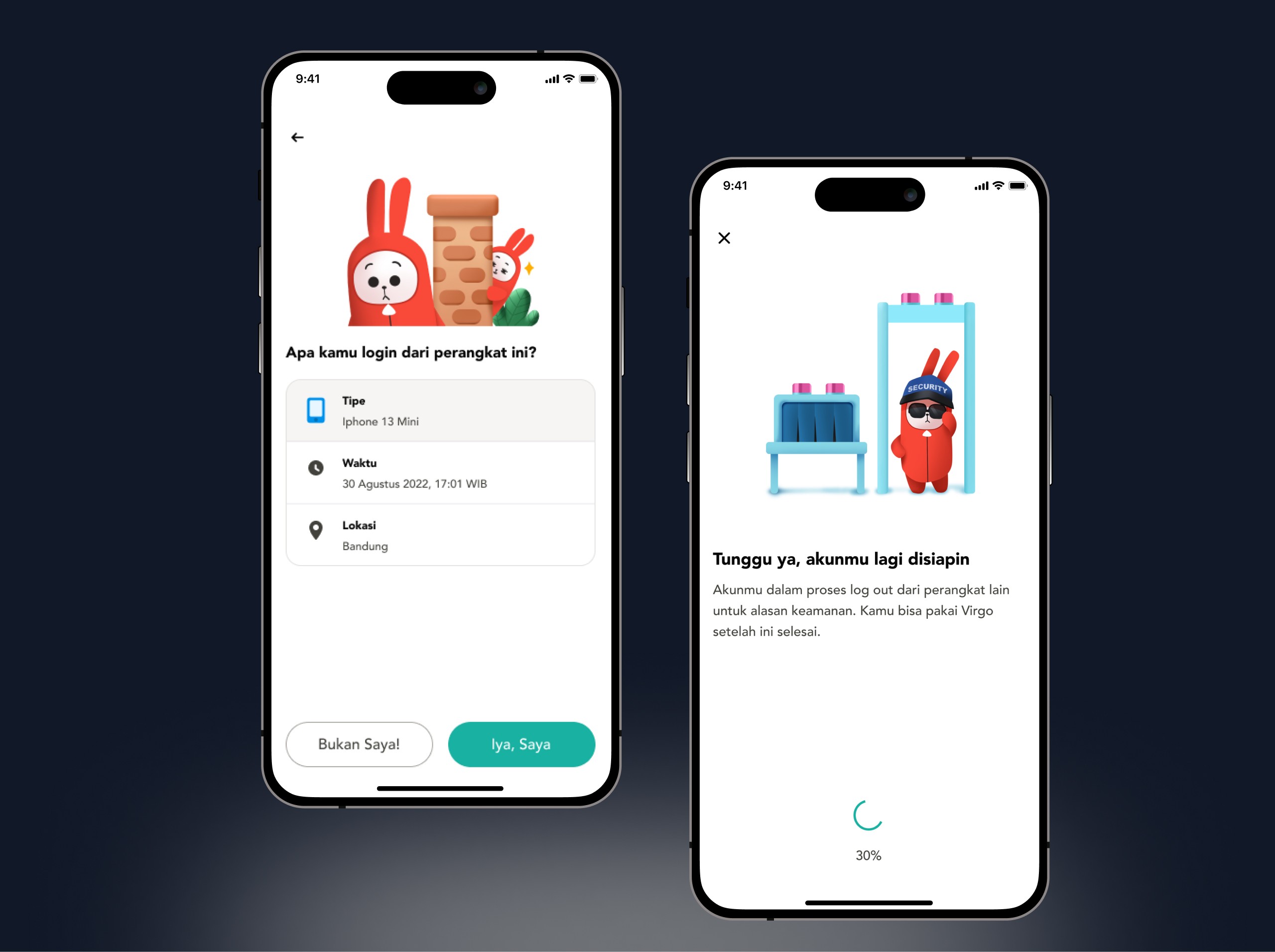
The user logs in with phone number and passcode
They land on a waiting screen, until they’re verified
On the Old Device:
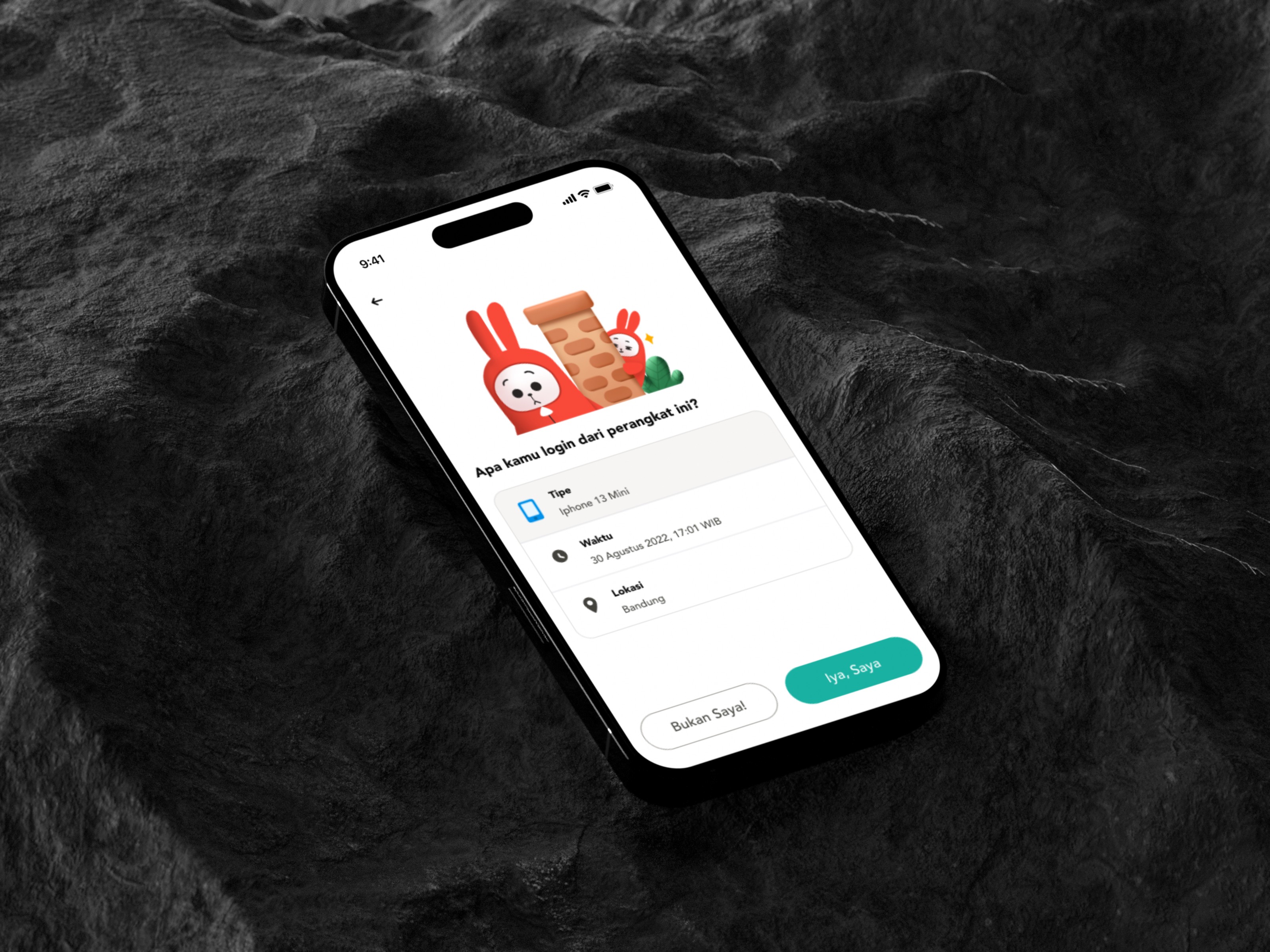
A push notification appears: “Did you just try to log in from a new device?”
The screen shows:
Device type
Location
Time
The user can tap “Yes, it’s me” or “No, block this”
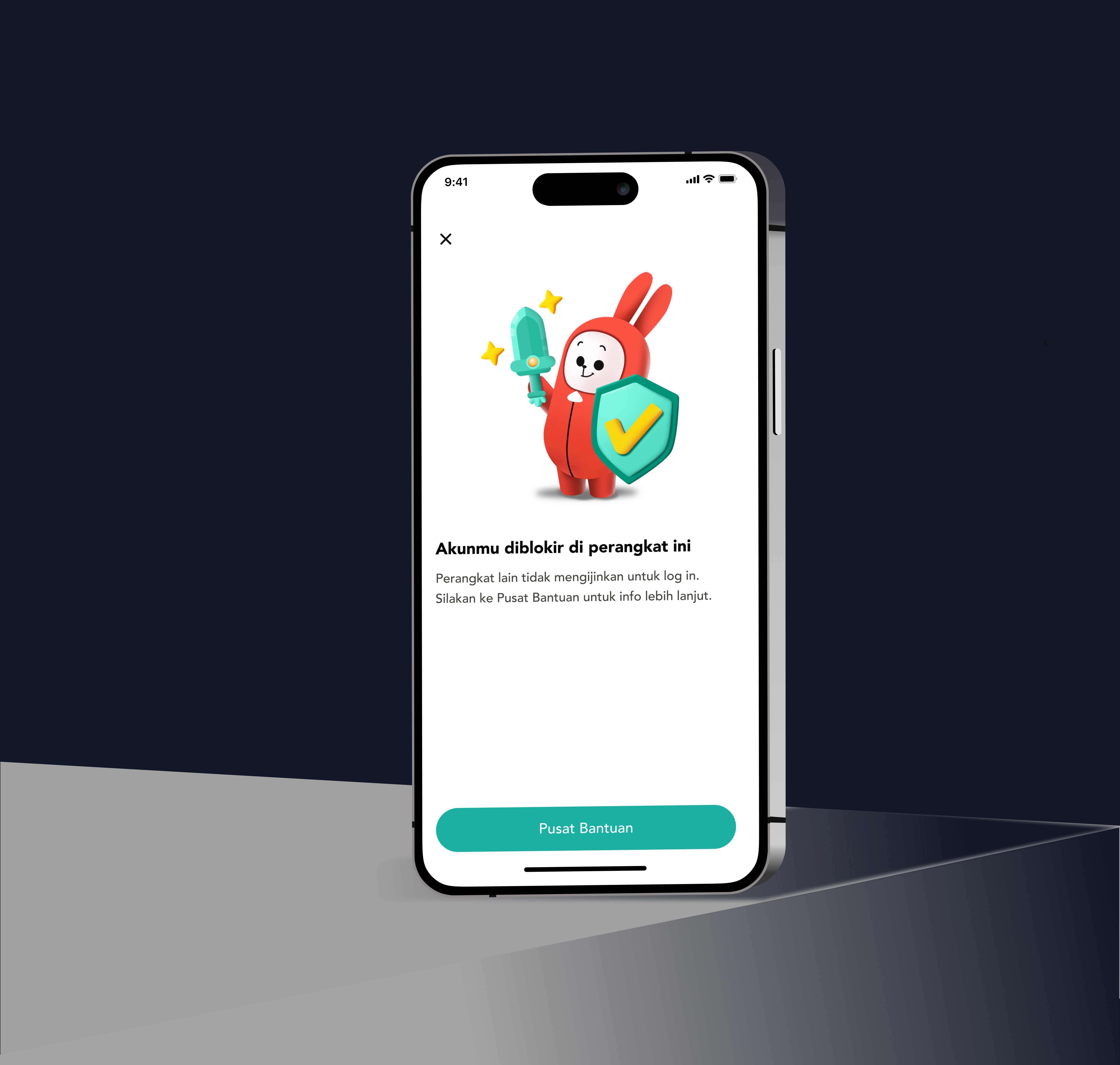
If blocked:
The new device is locked out
The user is prompted to change their passcode instantly
Every step is clear, fast, and puts control in the user’s hands, not the attacker's.
Visual & UX Design
We focused on emotional clarity.
Illustrations that signal concern without panic
Clear buttons: no jargon, just action
Device info laid out simply
Feedback and confirmation for every step
The goal was to calmly empower, not confuse or alarm.
The Impact
Users felt more in control of their security
Reduced risk of phishing-based takeovers
Improved trust, users knew their account was watching out for them
Set a new internal benchmark for notification and login safety flows

What I Learned
Security UX isn’t about locking people out, it’s about letting the right person in.
This project reminded me that a thoughtful interface can feel like a human presence:
a warning tap on the shoulder, a calm voice saying,
“Hey, someone’s trying to get in. Was that you?”
It’s easy to add security.
It’s harder and more powerful, to design confidence.
Other projects
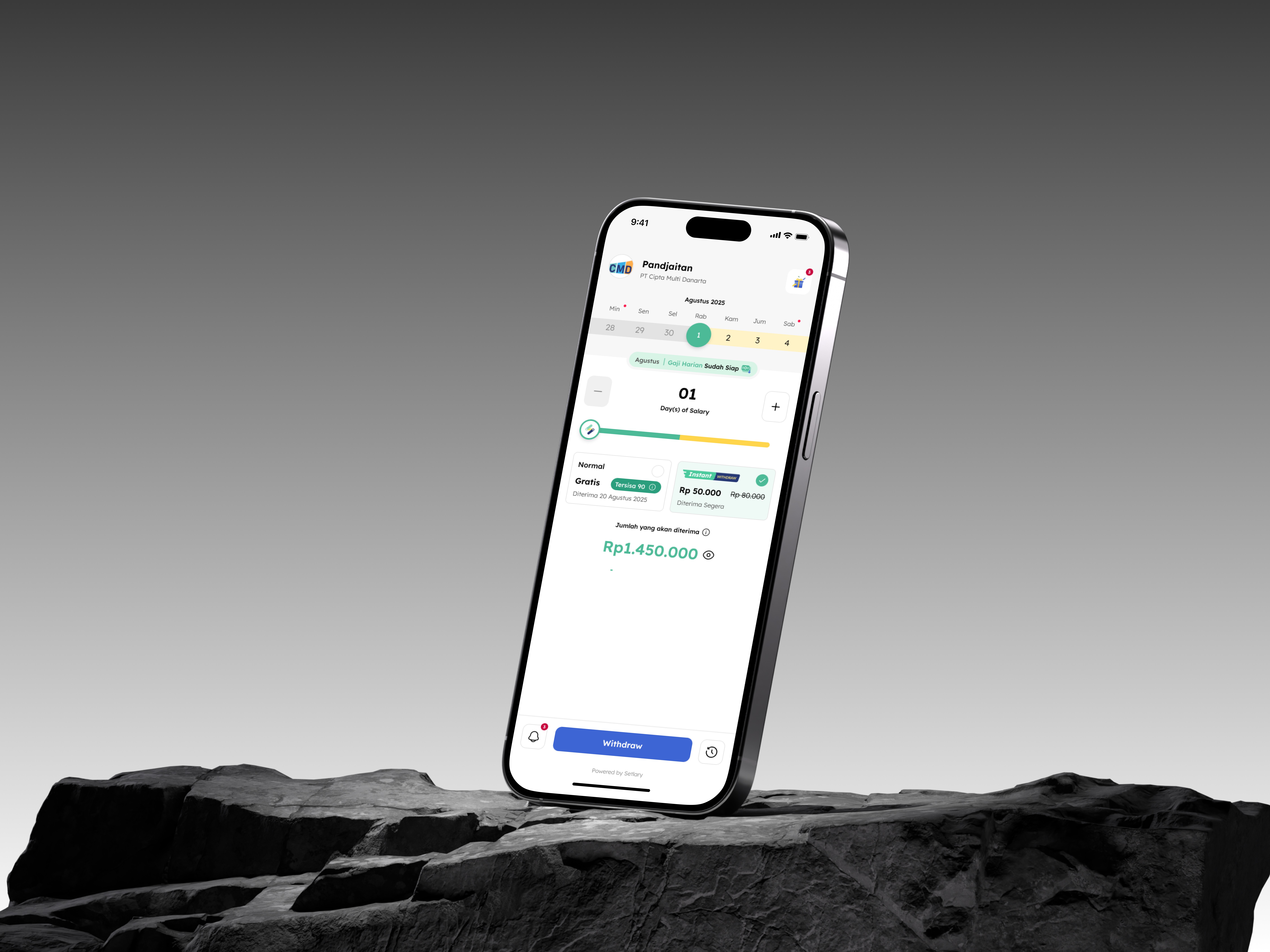
Setlary App – Early Wage Access (EWA)
Improving speed, structure, and safety for doctors using Good Doctor’s internal platform, built through research, co-design, and validation.
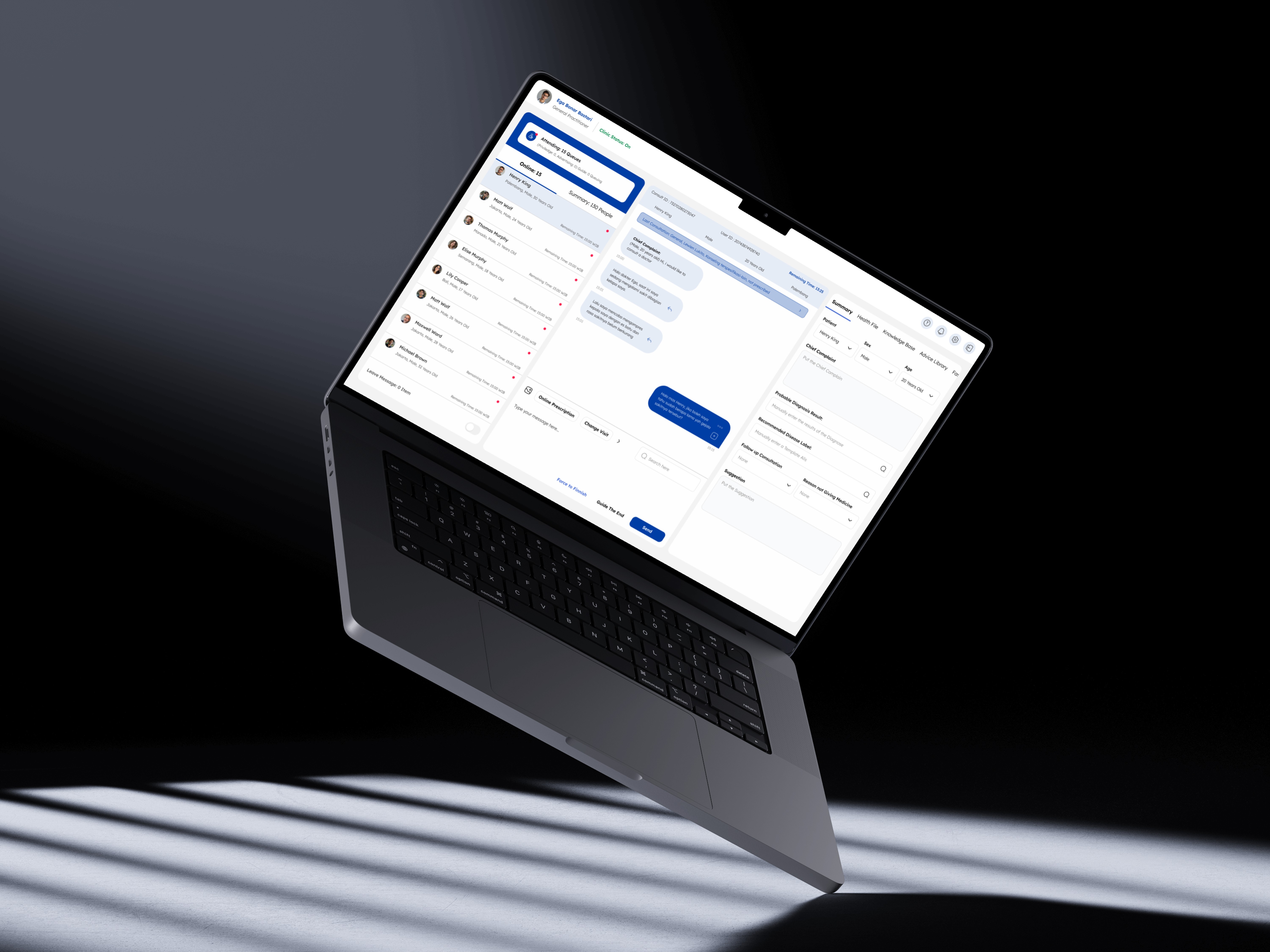
Good Doctor – Workbench Enhancement
Improving speed, structure, and safety for doctors using Good Doctor’s internal platform, built through research, co-design, and validation.
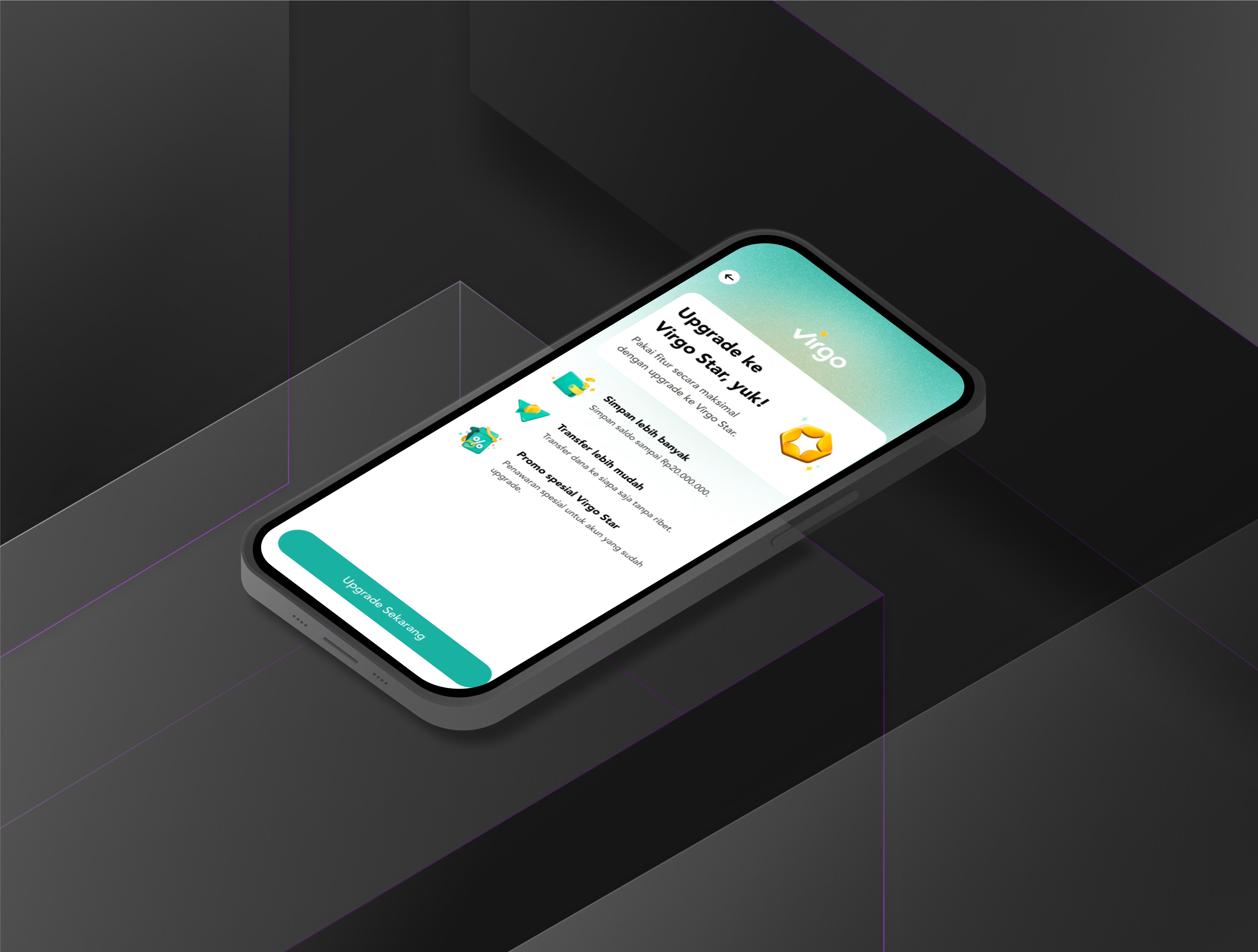
Virgo – Enhance Liveness Verification
Improving speed, structure, and safety for doctors using Good Doctor’s internal platform, built through research, co-design, and validation.
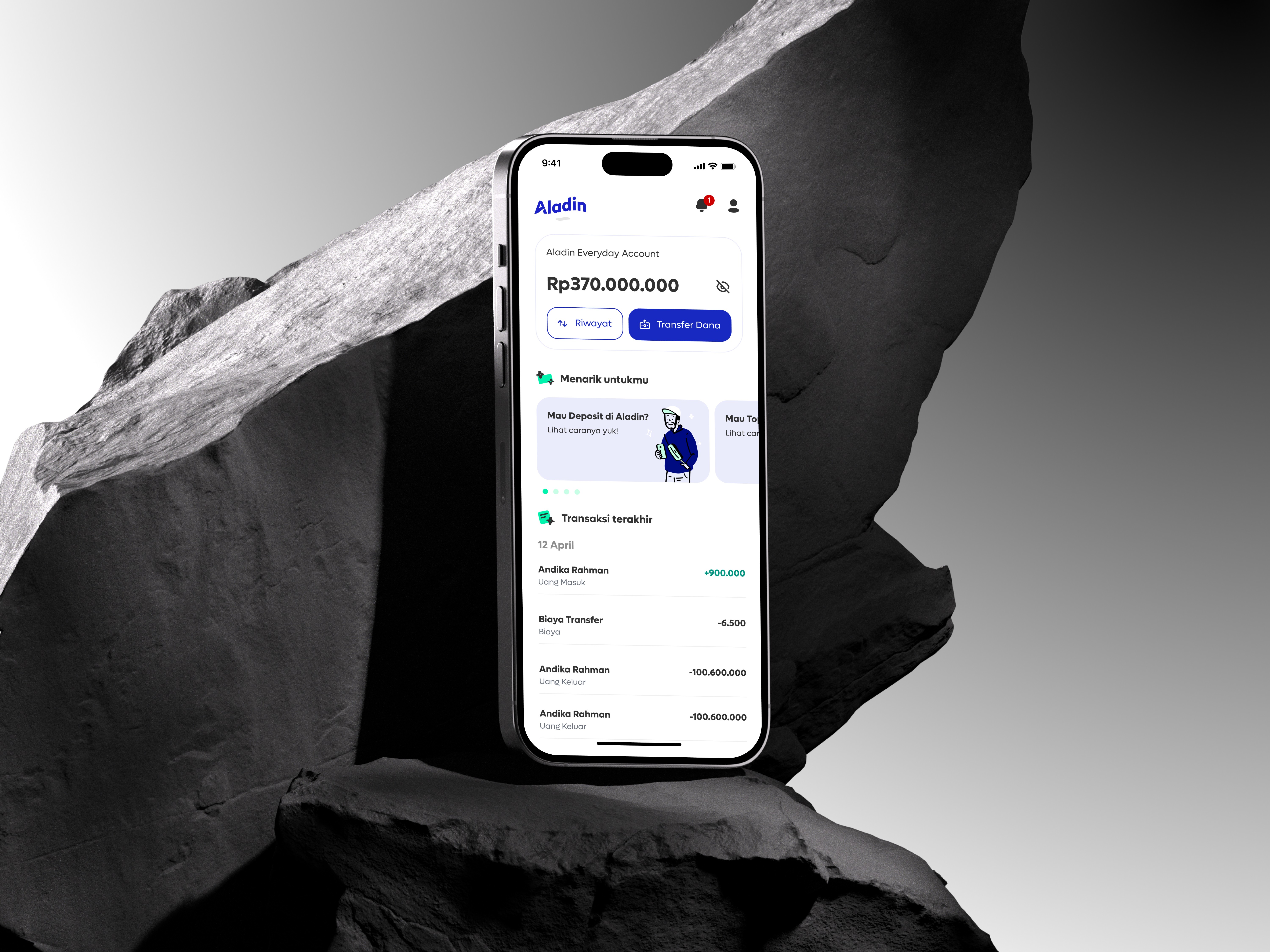
Digital Banking Sharia: Aladin Bank
Improving speed, structure, and safety for doctors using Good Doctor’s internal platform, built through research, co-design, and validation.